mirror of
https://github.com/th-ch/youtube-music.git
synced 2026-03-10 05:13:56 +00:00

YouTube Music









Electron wrapper around YouTube Music featuring:
- Native look & feel, aims at keeping the original interface
- Framework for custom plugins: change YouTube Music to your needs (style, content, features), enable/disable plugins in one click
Download
You can check out the latest release to quickly find the latest version.
Arch Linux
Install the youtube-music-bin package from the AUR. For AUR installation instructions, take a look at this wiki page.
Available plugins:
- Ad Blocker: block all ads and tracking out of the box
- Audio compressor: apply compression to audio (lowers the volume of the loudest parts of the signal and raises the volume of the softest parts)
- Blur navigation bar: makes navigation bar transparent and blurry
- Disable autoplay: makes every song start in "paused" mode
- Discord: show your friends what you listen to with Rich Presence
- Downloader: downloads MP3 directly from the interface (youtube-dl)
- Hide video player: no video in the interface when playing music
- In-app menu: gives bars a fancy, dark look
(see this post if you have problem accessing the menu after enabling this plugin and hide-menu option)
- Last.fm: scrobbles support
- Navigation: next/back navigation arrows directly integrated in the interface, like in your favorite browser
- No Google Login: remove Google login buttons and links from the interface
- Notifications: display a notification when a song starts playing (interactive notifications are available on windows)
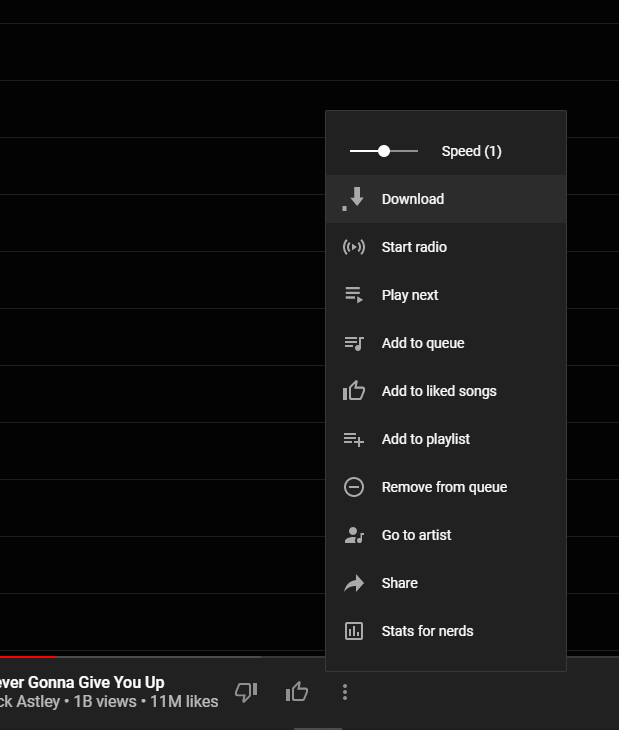
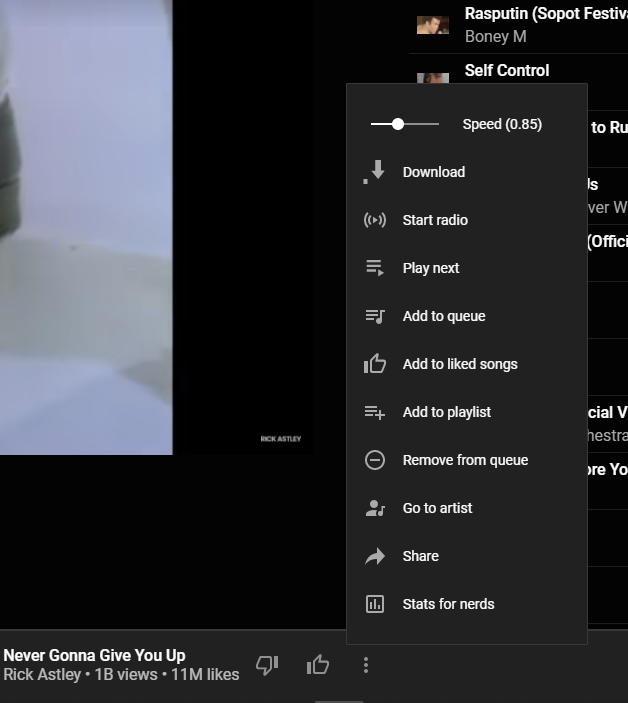
- Playback speed: listen fast, listen slow! Adds a slider that controls song speed
- Precise volume: customizable volume steps for more comfort, allows controlling the volume precisely using mousewheel
- Quality changer: change video quality
- Shortcuts: use your usual shortcuts (media keys, Ctrl/CMD + F…) to control YouTube Music, you may setup custom global hotkeys for play/pause/next/previous song
- SponsorBlock: skips non-music parts
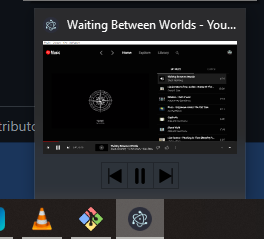
- Taskbar media control: control app from your Windows taskbar
- Touchbar: custom TouchBar layout for macOS
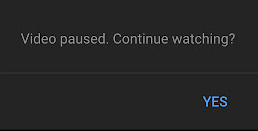
- Auto confirm when paused (Always Enabled): disable the "Continue Watching?" popup that pause music after a certain time



If using
Hide Menuoption - you can show the menu with thealtkey (orescapeif using the in-app-menu plugin)
Dev
git clone https://github.com/th-ch/youtube-music
cd youtube-music
yarn
yarn start
Build your own plugins
Using plugins, you can:
- manipulate the app - the
BrowserWindowfrom electron is passed to the plugin handler - change the front by manipulating the HTML/CSS
Creating a plugin
Create a folder in plugins/YOUR-PLUGIN-NAME:
- if you need to manipulate the BrowserWindow, create a file
back.jswith the following template:
module.exports = win => {
	// win is the BrowserWindow object
};
- if you need to change the front, create a file
front.jswith the following template:
module.exports = () => {
	// This function will be called as a preload script
	// So you can use front features like `document.querySelector`
};
Common use cases
- injecting custom CSS: create a
style.cssfile in the same folder then:
const path = require("path");
const { injectCSS } = require("../utils");

// back.js
module.exports = win => {
	injectCSS(win.webContents, path.join(__dirname, "style.css"));
};
- changing the HTML:
// front.js
module.exports = () => {
	// Remove the login button
	document.querySelector(".sign-in-link.ytmusic-nav-bar").remove();
};
- communicating between the front and back: can be done using the ipcMain module from electron. See
utils.jsfile and example innavigationplugin.
Build
yarn build
Builds the app for macOS, Linux, and Windows, using electron-builder.
Tests
yarn test
Uses Spectron to test the app.
License
MIT © th-ch